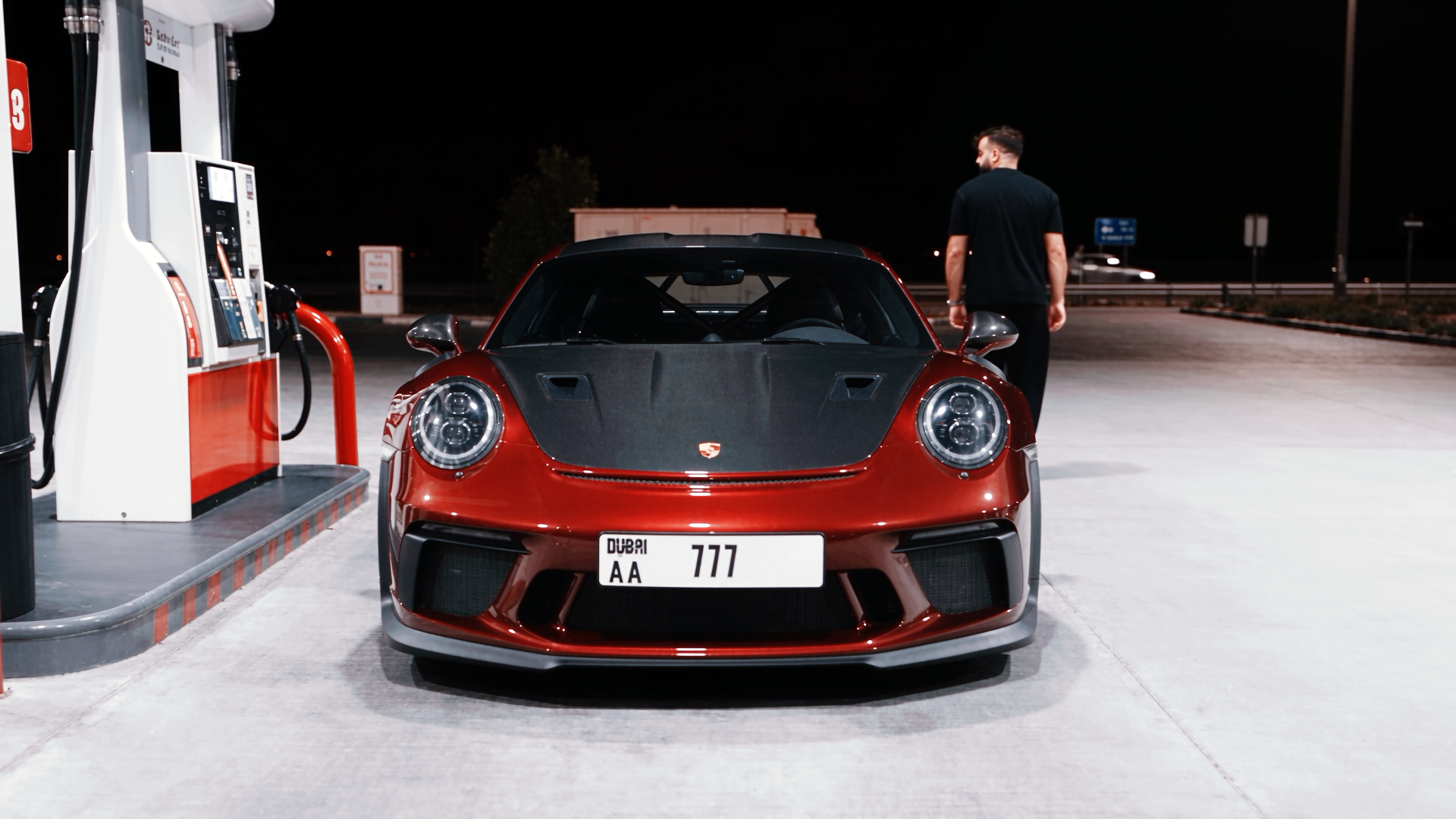
Movie Scene - CAR
Wade Pixels · Vol. 33 · Video Prompt

MOVIE
SCENE

Drop your face and two angles of your car into Higgsfield and walk away with a cinematic movie-grade scene — no set, no crew, no budget.

Higgsfield Genjutsu Model Face + Car Upload 3 Steps
Scroll to explore
Higgsfield Genjutsu Model Face + Car Upload 3 Steps Movie Scene - CAR Higgsfield Genjutsu Model Face + Car Upload 3 Steps Movie Scene - CAR
Overview

THE CONCEPT

This one turns a handful of phone shots into a full cinematic car sequence. You feed Higgsfield's Genjutsu model a clean selfie plus front and back angles of your car, and it stitches you into a movie-style scene with filmic lighting and camera motion. It's the fastest way to make it look like you shot a car ad or action beat — all from your couch. Three steps, zero gear.

The Workflow

THREE STEPS

01
Setup · Open The Model
OPEN GENJUTSU
Head straight to the Higgsfield Genjutsu video model using the direct link below. This is the engine that fuses your face and car into a single cinematic scene, so make sure you land on the right model before uploading anything.
Link
https://higgsfield.ai/ai/video?model=genjutsu
02
Inputs · Feed The Shots
UPLOAD FACE + CAR
Upload three images: a clear face selfie, a front shot of your car, and a back shot of your car. Keep the selfie well-lit and front-facing for the best identity lock, and shoot the car angles clean so the model can rebuild it accurately from both sides.
03
Output · Roll Camera
GENERATE & ENJOY
Hit generate and let Genjutsu composite you and your car into a cinematic movie scene. Review the result, regenerate if the angles or face need another pass, then download and post.
Pro Notes

PUSH IT FURTHER

🤳
Identity
SHOOT A CLEAN SELFIE
Use a sharp, evenly lit, front-facing selfie with no heavy shadows or sunglasses — it's the single biggest factor in how well your face locks in.
🚗
Angles
FRONT AND BACK MATTER
Give the model distinct front and back car shots in similar lighting so it can reconstruct the whole vehicle without guessing or warping panels.
🔁
Iteration
REGENERATE FREELY
If the first render bends the car or softens your face, run it again — small seed changes often snap the identity and geometry into place.
📱
Format
THINK VERTICAL
Frame your shots with a vertical crop in mind so the final scene drops straight onto Reels, TikTok and Shorts without awkward reframing.
More From Wade Pixels

YOU MAY ALSO LIKE